
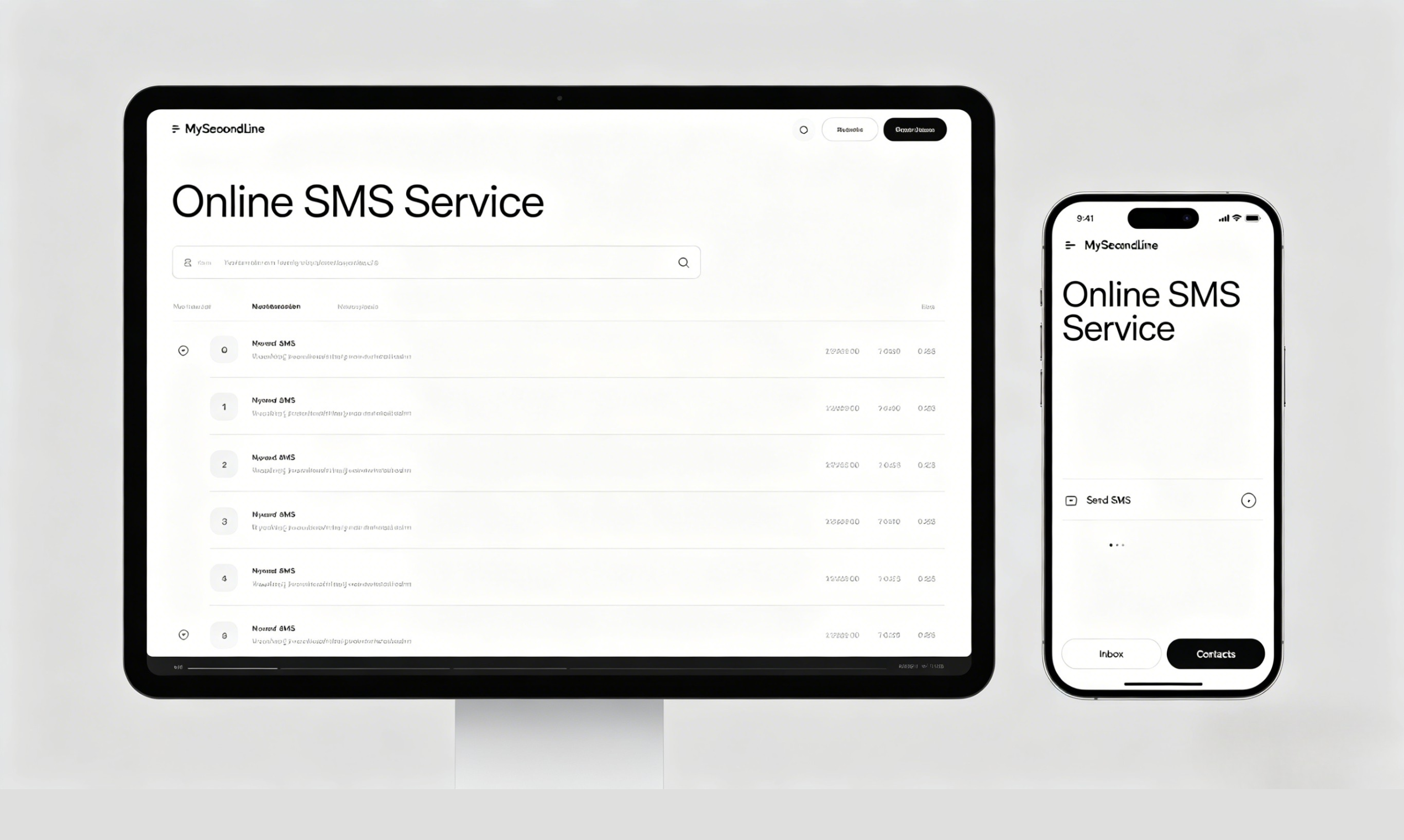
MySecondLine
MySecondLine
Free Text Free Call Download App

Web Text Messaging

Web Text Messaging with MySecondLine

Web Text Messaging with a Virtual Number

Engage in web text messaging with MySecondLine's virtual number service. Get a virtual number to send and receive text messages online—no app installation, no registration required. Ideal for verifying accounts or sending texts without revealing your personal number.

Start Web Text Messaging Now

Why Choose MySecondLine for Web Text Messaging

🆓Virtual Number

Obtain a virtual number to engage in web text messaging—no strings attached, completely free of charge.

📱Browser-Based Accessibility

Participate in web text messaging straight from your browser—no need for apps, plugins, or additional software.

Instant Message Reception

Experience real-time web text messaging—all incoming messages to your virtual number are displayed as they arrive.

🌐Your Privacy Matters

Protect your personal number—use the virtual number for web text messaging to verify accounts or for public communications while keeping your information private.

Start Web Text Messaging Now

Where You Can Use Web Text Messaging

Utilize web text messaging to validate online accounts (social media, email, banking, shopping sites), receive authentication tokens, prevent sharing your personal number, or manage multiple messaging accounts with ease. It's the perfect solution for sending and receiving texts online while maintaining your privacy.

Start Web Text Messaging Now

All Our SMS Sending Services

Frequently Asked Questions About Web Text Messaging

Everything you need to know about web text messaging with MySecondLine

What is web text messaging? +
Web text messaging refers to sending and receiving text messages through a virtual number via a web browser without incurring any charges. MySecondLine offers a virtual number that allows this service without the need for any app installation or registration.
How can I engage in web text messaging? +
To start web text messaging, simply sign up for MySecondLine, get your virtual number, and begin sending and receiving messages instantly. All messages appear in your browser in real-time. No app installation is necessary.
Do I need a phone to send and receive messages using web text messaging? +
No! You do not need a phone. MySecondLine operates entirely within your web browser. Just connect to the internet on your computer and begin using web text messaging from anywhere.
Can I really use web text messaging for free with MySecondLine? +
Yes! With MySecondLine, web text messaging is free to use. There are no hidden fees, no trials, and no credit card required. Simply sign up and start messaging immediately using your virtual number.
Is the virtual number suitable for account verification? +
Definitely! You can use your virtual number to receive verification codes for various online services, from social media to banking and shopping. This helps maintain your privacy while verifying accounts.
Is my privacy protected during web text messaging? +
Absolutely! Your privacy is important. Using MySecondLine for web text messaging means you don't need to disclose your personal phone number, protecting you against spam and potential risks.
Can I engage in web text messaging while traveling? +
Of course! You can participate in web text messaging from anywhere globally. Just connect to WiFi, and you can send and receive messages on your virtual number—no roaming charges apply.
Is a credit card necessary for web text messaging? +
No credit card is required. Simply sign up with your email and start web text messaging right away. We strive to make this service accessible for all.
How can I get support if I have issues with web text messaging? +
You can reach us at support@mysecondline.com or call +1-619-724-4833 (9am–6pm Pacific time). We also offer live chat and a help center for assistance with your web text messaging needs.