
Sending Sms Online
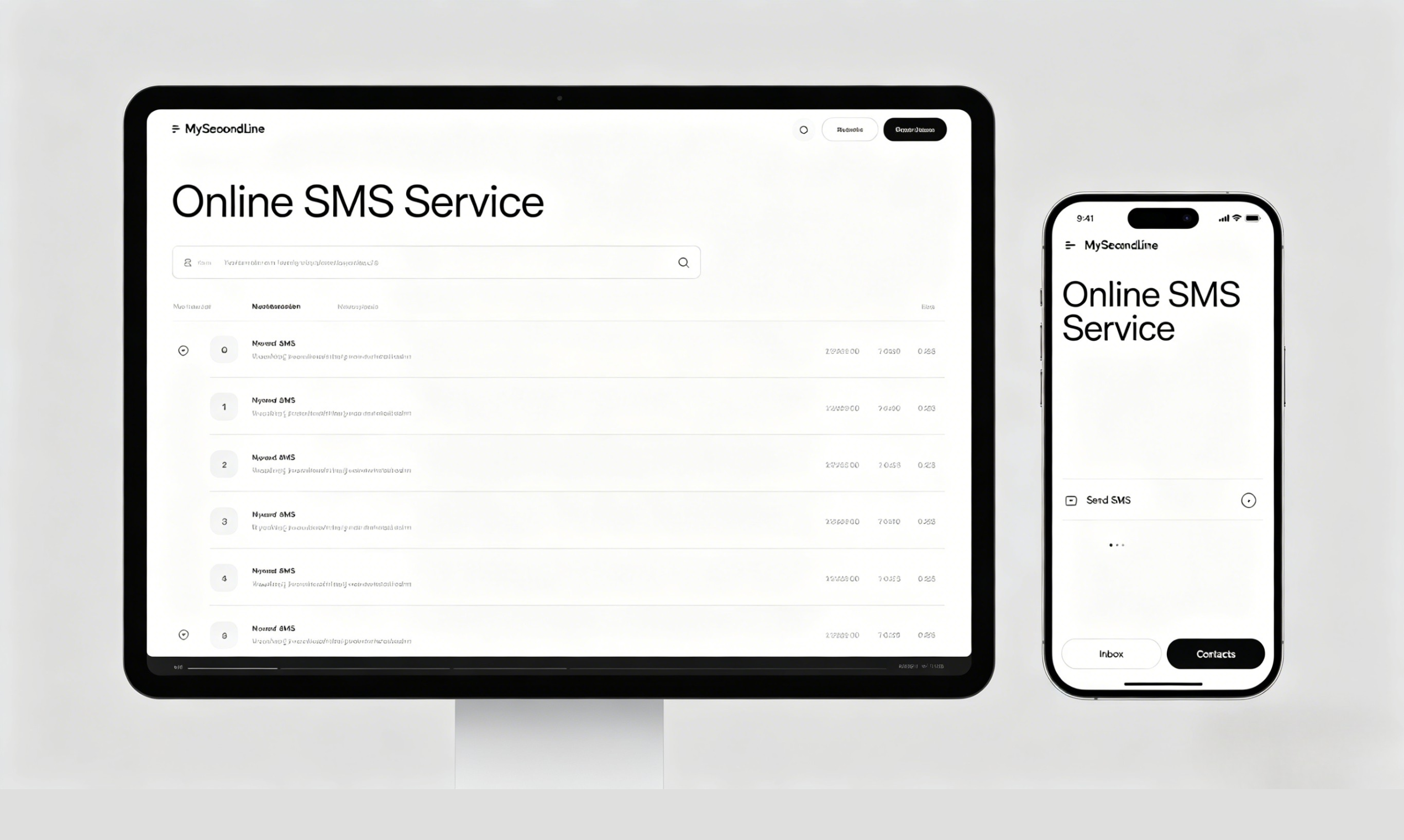
Send SMS Online with a Virtual Number
Send SMS online with MySecondLine’s virtual number service. Get a virtual number to send text messages online—no app download, no registration needed. Ideal for contacting users or businesses without sharing your personal number.
Why Choose MySecondLine for SMS Sending
🆓Virtual Number for SMS
Get a virtual number to send SMS online—no commitment, just start sending messages directly from your browser.
📱Browser-Based SMS Sending
Send SMS online securely and conveniently directly from your web browser—no additional software required.
⚡Instant SMS Delivery
Send SMS online instantly—all messages sent from your virtual number are delivered in real-time.
🌐Keep Your Number Private
Maintain your privacy—use a virtual number to send SMS online for both personal and professional communications.
Where You Can Send SMS Online
Send SMS online to communicate with friends, verify accounts, send updates, or manage multiple messages without exposing your personal number. It's an efficient way to send texts online while keeping your privacy intact.
Send SMS Online NowAll Our SMS Sending Services
Frequently Asked Questions About Sending SMS Online
Everything you need to know about sending SMS online with MySecondLine