
MySecondLine Logo MySecondLine
Features FAQ Start Free Call
๐Ÿ“ถ MySecondLine ยท Phone Call on Computer

Phone Call on Computer

Make free calls directly from your browser โ€” no phone needed. Get a second number for privacy, HD voice, and crystal-clear calls over any internet connection.

โญ 4.8/5 ยท Trusted by 5M+ users ยท No credit card needed

๐ŸŒ 200+ countries
International reach
โœ“ Zero install
Works in any browser
๐Ÿ”’ Second line
Keep your privacy
๐ŸŽง HD voice ยท WebRTC
โœจ Why use MySecondLine

Phone call from your computer made simple and free

Make and receive phone calls right from your browser. No phone required, no app install โ€” just clear HD calling over any internet connection.
๐Ÿ“ถ Internet

Make calls from anywhere

Make free phone calls from your desktop, laptop, or mobile browser. No downloads, no phone needed โ€” just connect to the internet and start calling from any device.
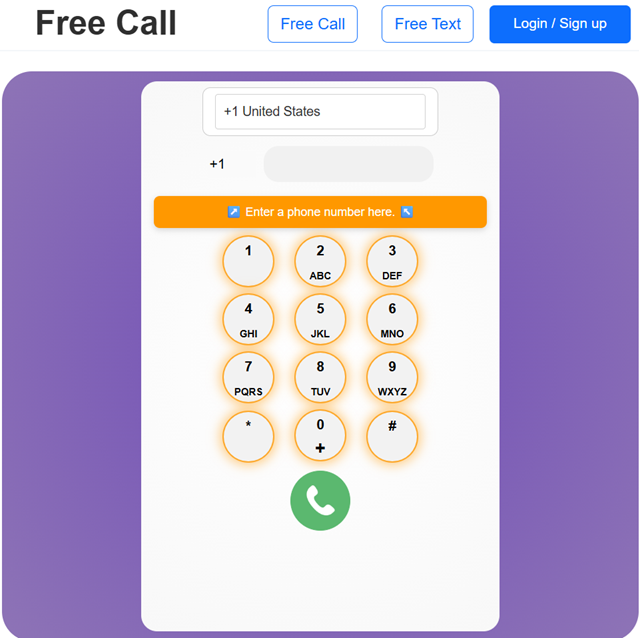
Phone call illustration
๐Ÿ”’ Privacy

Private calls

Make calls with a second phone number. Keep your personal number private for work, dating, or travel. Call over the internet with confidence knowing your privacy is protected.
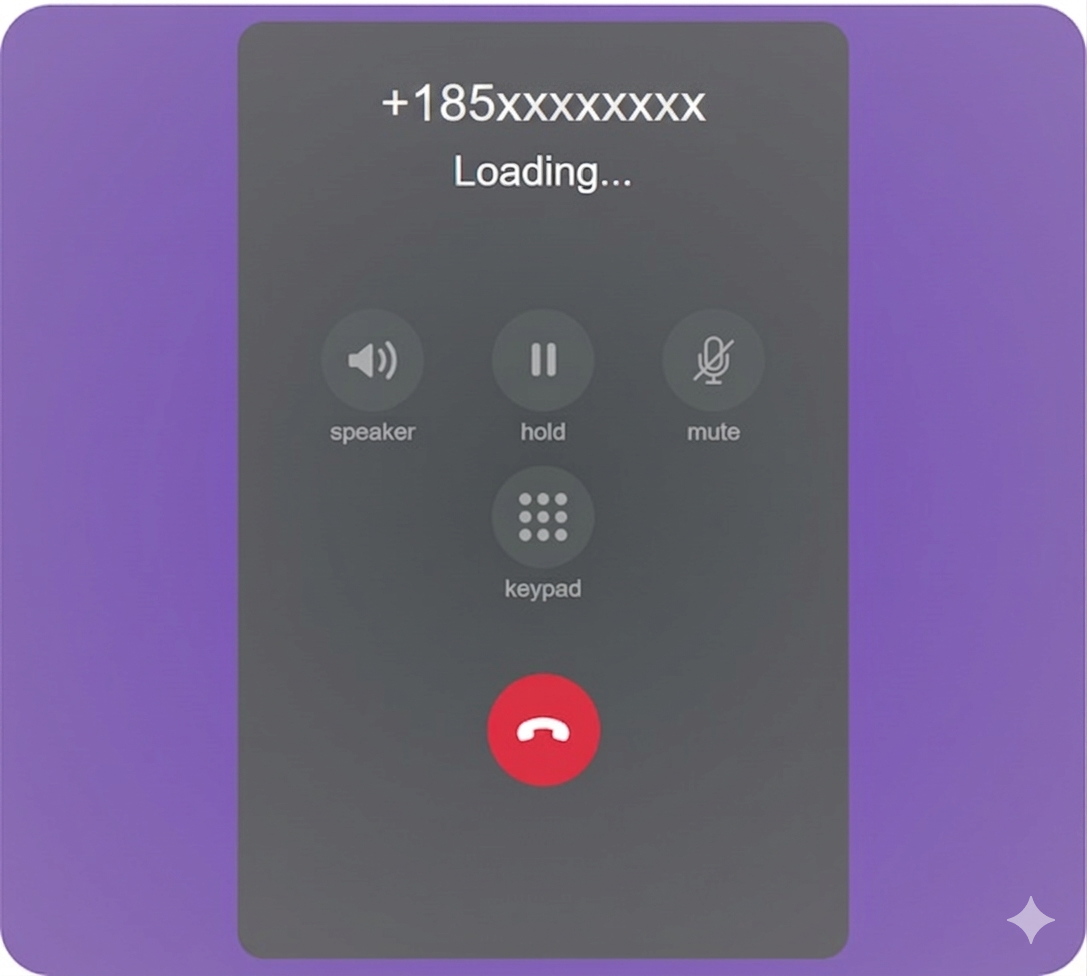
Private call illustration
๐ŸŒ Browser

Calling in your browser

Make calls from Chrome, Edge, Safari, or Firefox. No app needed. Just open your browser, connect to the internet, and start calling any number instantly from any device.
Browser call illustration
โœˆ๏ธ Travel

Calling while traveling

Stay connected while traveling abroad. Make calls from anywhere in the world without interruptions. Just connect to the internet and call home for free or at low rates.
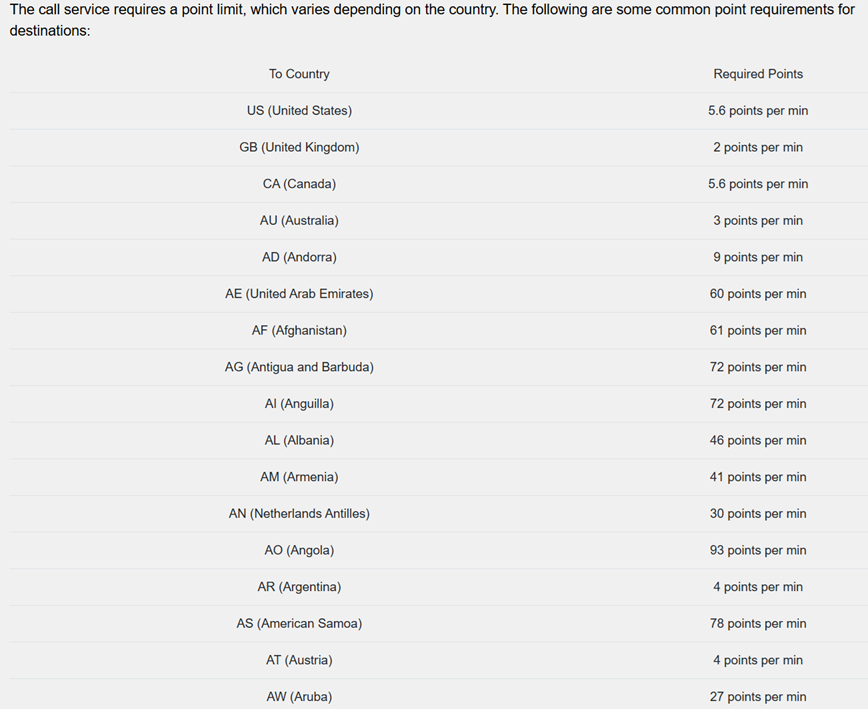
Travel call illustration
๐ŸŒ Global coverage

Call friends & family worldwide

MySecondLine supports calls to over 200 countries and territories.
๐Ÿ‡บ๐Ÿ‡ธ United States ๐Ÿ‡จ๐Ÿ‡ฆ Canada ๐Ÿ‡ฌ๐Ÿ‡ง United Kingdom ๐Ÿ‡ฆ๐Ÿ‡บ Australia ๐Ÿ‡ฎ๐Ÿ‡ณ India ๐Ÿ‡ฉ๐Ÿ‡ช Germany ๐Ÿ‡ซ๐Ÿ‡ท France ๐Ÿ‡ฏ๐Ÿ‡ต Japan ๐Ÿ‡ง๐Ÿ‡ท Brazil ๐Ÿ‡ฒ๐Ÿ‡ฝ Mexico ๐Ÿ‡ช๐Ÿ‡ธ Spain ๐Ÿ‡ฎ๐Ÿ‡น Italy ๐Ÿ‡จ๐Ÿ‡ณ China ๐Ÿ‡ฐ๐Ÿ‡ท South Korea ๐Ÿ‡ฟ๐Ÿ‡ฆ South Africa

+ 180+ more countries ยท Full list inside your account

๐Ÿ“Œ Why choose MySecondLine

Why people love calling with MySecondLine

๐Ÿ“ถ

Make calls from anywhere

Make free calls from your desktop, laptop, or mobile browser. No downloads, no phone needed โ€” just connect to the internet and start calling from any device.

๐Ÿ”’

Private calls

Keep your personal number private when making calls. Use a second line for work, dating, or travel. Call over the internet with confidence and peace of mind.

โœˆ๏ธ

Stay connected while traveling

Traveling abroad? Make calls over any connection without interruptions. Stay in touch with loved ones while traveling seamlessly.

๐Ÿ’ฌ

Browser-based calling

Enjoy the freedom of making phone calls directly from your browser. Thereโ€™s no need for extensive setups or installations โ€” just connect to the internet and start calling.

โ“ Frequently asked questions

Everything about calling on your computer

Real answers for real people โ€” no jargon, just help.
What is calling on a computer? +
Calling on a computer allows you to make and receive phone calls over an internet connection instead of using a cellular connection. With MySecondLine, you can make free phone calls directly from your browser โ€” no phone needed, no app install required.
How can I make free phone calls? +
Making free phone calls is easy with MySecondLine. Just sign up for free, connect to any internet network, and start calling from your browser. No app download, no phone needed โ€” just open Chrome, Edge, or Safari.
Do I need a phone to make calls from my computer? +
No! You don't need a phone at all. MySecondLine works entirely from your browser. Just connect to the internet, use your computer's microphone and speakers, and start making calls from anywhere.
Is it really free to make calls with MySecondLine? +
Yes! We offer free calling options so you can make phone calls at no cost. No hidden fees or contracts.
Do I need to install anything for calling on my computer? +
No software or app required. MySecondLine works directly in your web browser (Chrome, Edge, Safari) using WebRTC technology. Just connect to the internet, sign up, and start making calls instantly.
Can I make calls while traveling abroad? +
Absolutely! Calling from your computer is perfect for travelers. Connect to any internet network anywhere in the world and call home without interruptions. Stay connected with loved ones while traveling.
Do I need a credit card to start calling on my computer? +
No credit card required to start. Just sign up with your email and start making free calls immediately. Additional features available later if you choose.
Is call quality good for calls made from computers? +
HD voice quality with adaptive bitrate. Most calls from your computer sound just as clear as regular phone calls. We prioritize voice clarity for calling connections.
Can I get a second number for making calls? +
Absolutely. MySecondLine gives you a second real phone number for making calls from your computer. Perfect for work, privacy, dating apps, or keeping your personal number private while making calls.
How do I get support if I have issues? +
Reach us at support@mysecondline.com or call +1-619-724-4833 (9amโ€“6pm Pacific time). We also have live chat and a help center.
๐ŸŽฏ No credit card required ยท Start your free call now
๐Ÿ“ถ Start calling for free

Make free calls today โ€” from your browser

โญ Trusted by over 5M+ users for private, reliable calling