textPlus Number Porting Service
As textPlus evolves, MySecondLine is here to keep you connected!
- Sign up for MySecondLine
- Submit your textPlus account info
- Purchase and transfer to MySecondLine
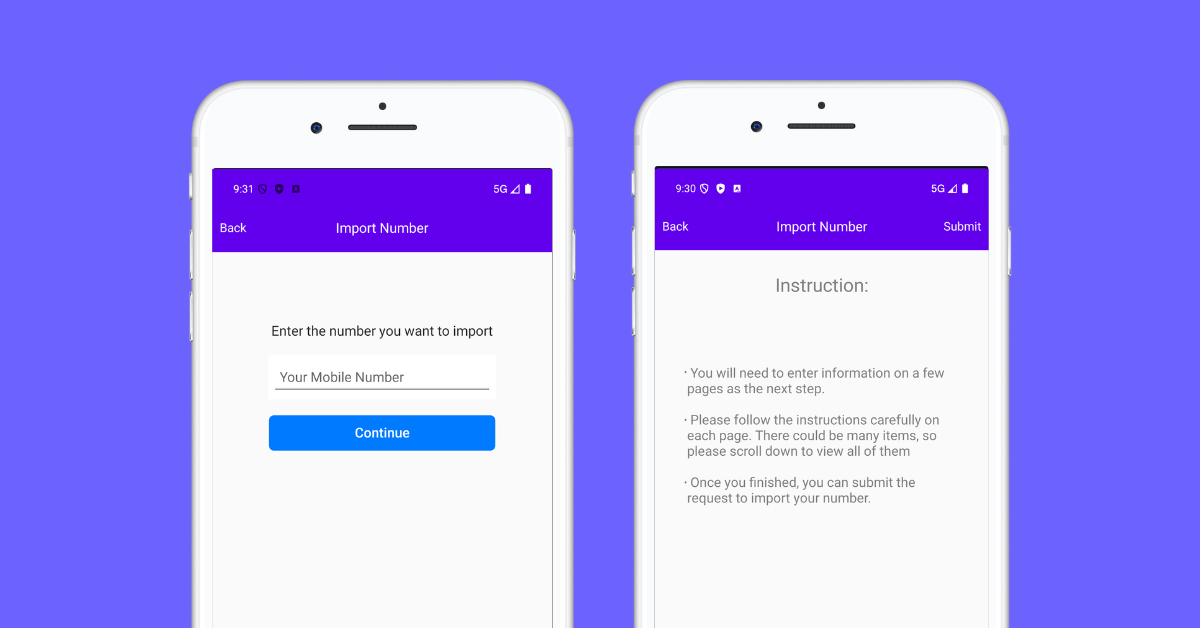
As textPlus evolves, MySecondLine is here to keep you connected!
Porting your number from textPlus is easy and straightforward. Keep your contacts and avoid updating everyone with a new number.
Port your textPlus number to our app with zero hassle. No SIM card, no contracts—just lower costs and more flexibility.
Bring your textPlus number and keep your personal life separate. Enjoy enhanced privacy without disruption to your existing calls or messages.
Travel without limits. Use your ported number abroad with no roaming fees, no SIMs, and no need to stay tied to textPlus.
Verify if your current number is eligible for porting from textPlus by entering your number in our eligibility checker tool.
Collect your current account details, including account number, PIN, and billing address from your current provider.
Complete our online porting form with your information and pay the one-time porting fee.
We'll handle the transfer process with textPlus. You'll be notified once the porting is complete.
Follow these steps to request your account details from textPlus
Typically found in your account settings or bill.
Your account's personal identification number.
Letter of Authorization signed and dated.
Ensure billing details match exactly with those on record.
Important: Important: Ensure all information matches your textPlus account records accurately to prevent issues during the porting process. The unlock process may take up to 7 business days.
Our Integration Partners

"I was hesitant to lose my textPlus number, but this app made the transition seamless. Now I enjoy better features at a lower cost. Highly recommend!"
, California, USA
textPlus is a leading mobile communications service that offers app-based texting and calling solutions. Since its inception, textPlus has provided users with a cost-effective way to communicate across the globe without needing traditional mobile plans.textPlus users enjoy features such as free SMS and MMS, group texting, and international calling at competitive rates. The service is accessible on various devices, including smartphones and tablets, making it a versatile choice for global communication.
Global Reach
Secure Communications
Cost Effective
Take the first step toward a more flexible communication solution